
Specifications
| Model | LS-7561-P |
|---|---|
| Power Option | Power Option |
Description
Are you struggling with the inconvenience of external printers and the hassle of switching between different weighing units?
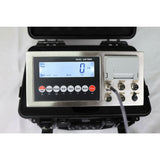
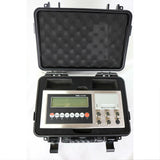
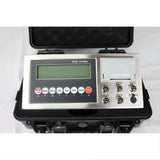
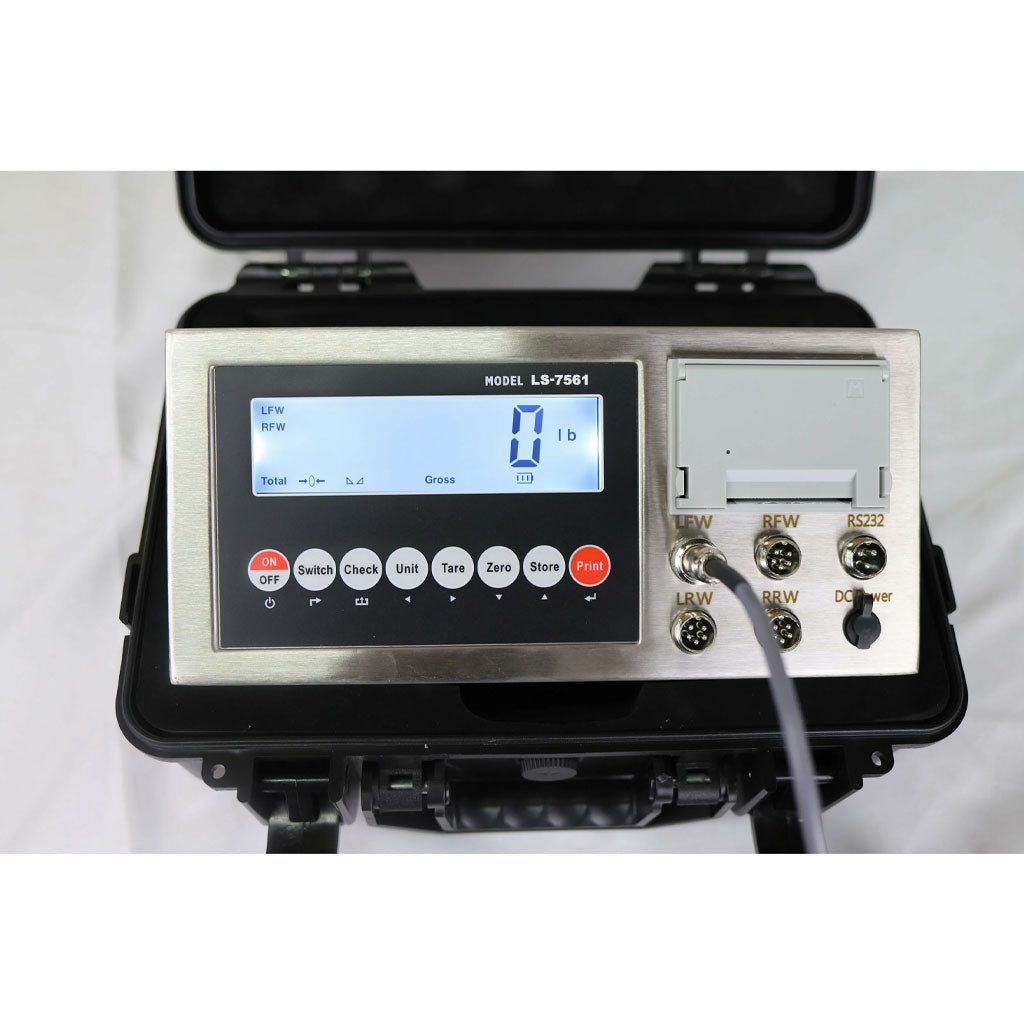
The Liberty LS-7561 Multi-channel Indicator with a Built-in Printer is here to streamline your static axle scale operations. This all-in-one device simplifies your process and enhances accuracy and efficiency.
Product Highlights:
- Easy-to-Read Display: The large 5.3" x 1.4" LCD ensures clear visibility, even in low-light conditions, making it easy to read measurements at a glance.
- Versatile Functions: Equipped with tare, zero, print, save, check, and delete functions, this indicator gives you complete control over your weighing process.
- Unit Conversion: Switch effortlessly between kilograms and pounds to suit your needs.
- Built-in Printer: The integrated needle printer allows for the convenient printing of labels and receipts directly from the device, with various formats available for customization.
- Multi-Channel Connectivity: Connect to a secondary display or scoreboard for easy viewing and manage up to four weighing pads simultaneously for accurate multi-scale readings.
- Printing Modes: Choose between manual and automatic printing modes, with easy date and time settings for accurate record-keeping.
- PC and Printer Connectivity: Seamlessly connect to a PC or printer for efficient data logging and record management.
- Optional Wireless Capability: Enjoy the convenience of wireless connectivity for a more flexible setup.
- Splash-Proof Design: Built to withstand demanding environments, ensuring durability and long-term reliability.
Investing in the Liberty LS-7561 Multi-channel Indicator with a Built-in Printer means embracing convenience, accuracy, and efficiency in your weighing operations. Say goodbye to the frustration of external printers and manual unit conversions and welcome a smoother, more reliable process.
Contact us for more details.
LS-7561 Multi-channel Indicator with Built-in Printer
Pick the lowest capacity that covers your heaviest load plus the pallet. Readability gets finer as capacity goes down.
What buyers say
Reviews are collected through Judge.me after delivery.